
Ten quiet minutes a day.
Answer a few quick questions and get a 28-day plan built from your answers. Each day brings a short guided session, one small step and a quick check-in, with 25 programs, 13 soundscapes and three breathing exercises for any other time.
Stormless for iPhone is on its way. Create your account now and sign in with it in the app.

A look inside
Made for iPhone. These are the app’s own screens.
-
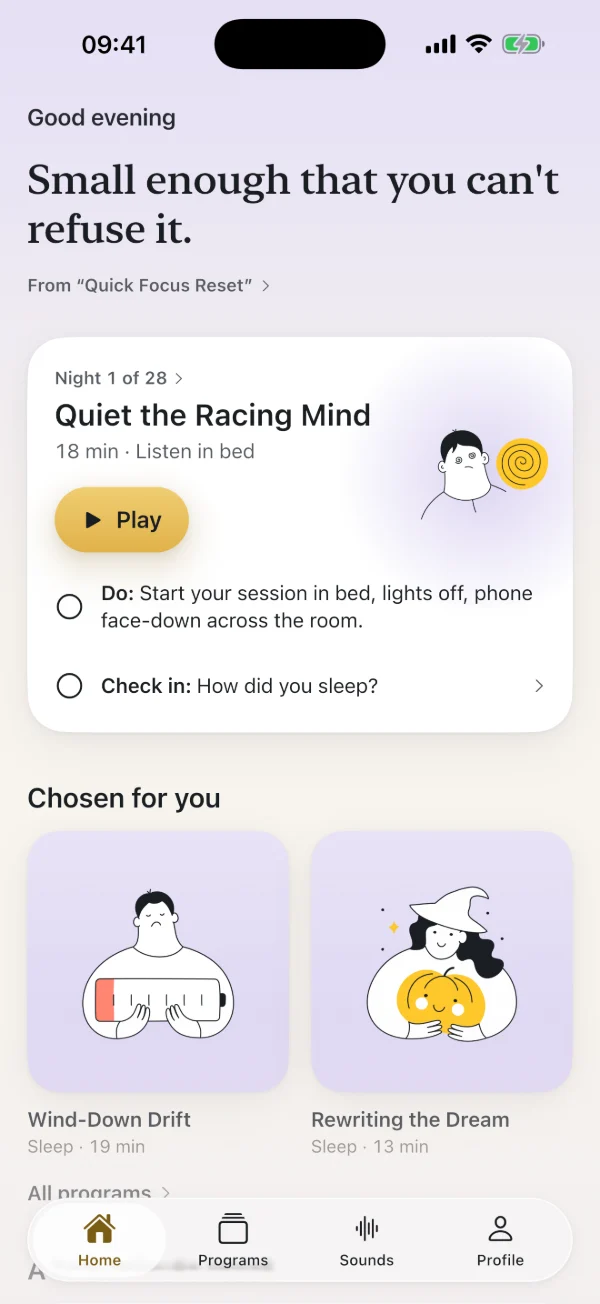
Tonight’s step
A guided session, one small action and a one-tap check-in.
-
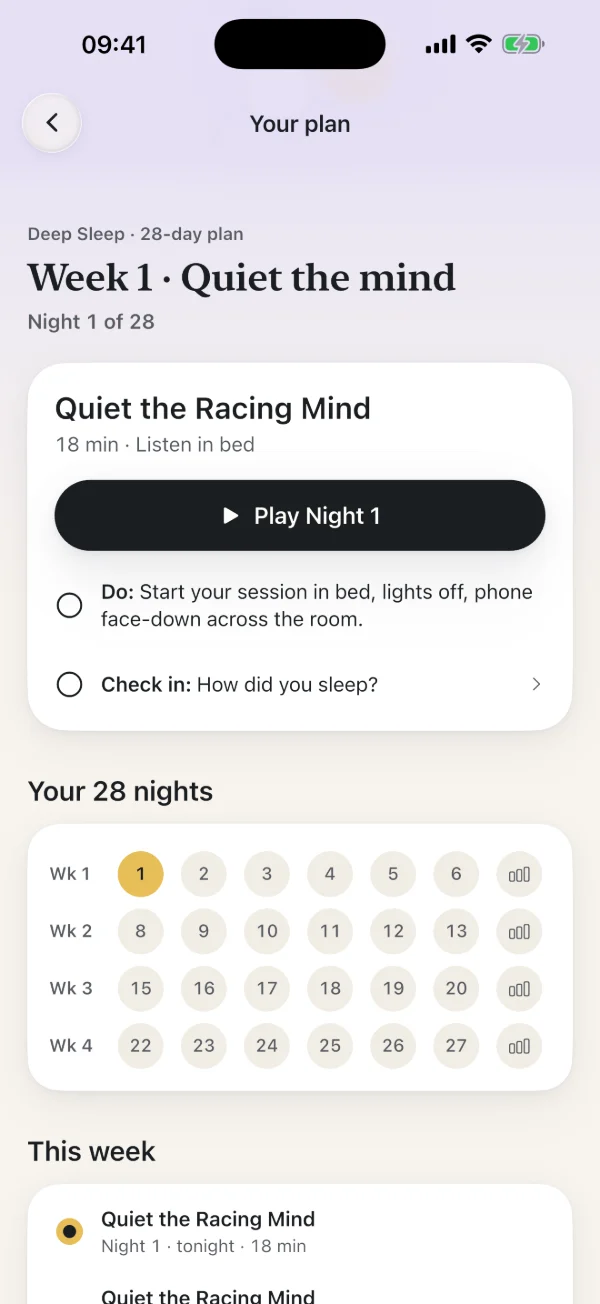
All 28 nights
Your plan as a calendar, with a short check-in to end each week.
-
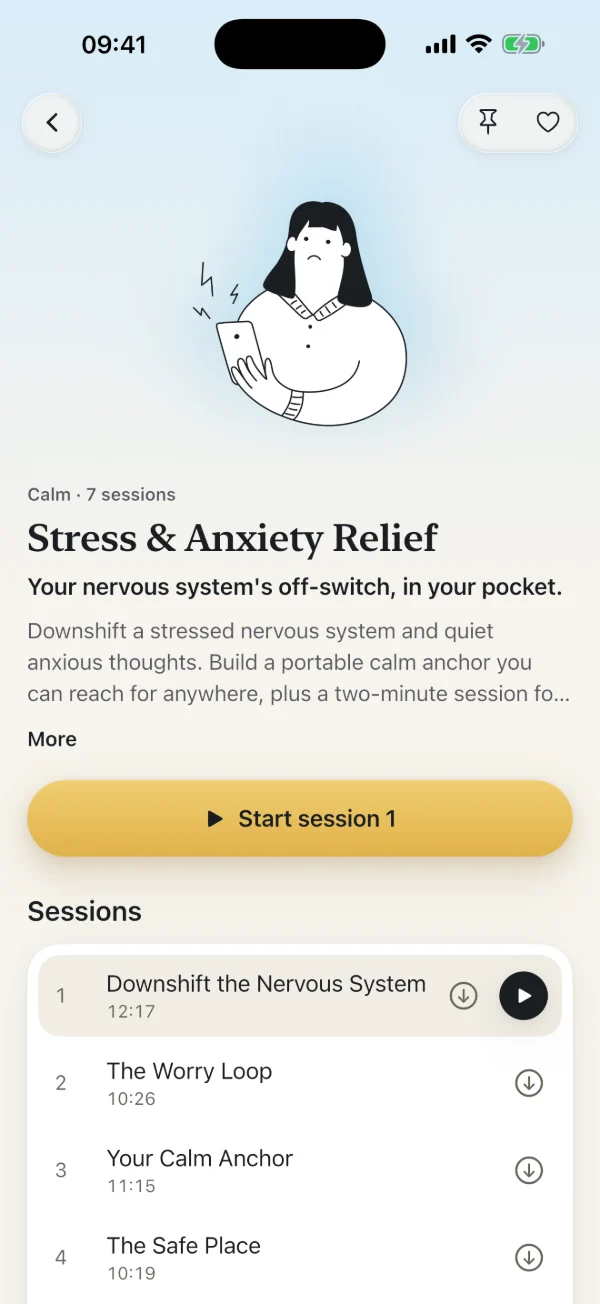
25 programs
109 sessions in order, from stress and sleep to focus and habits.
-
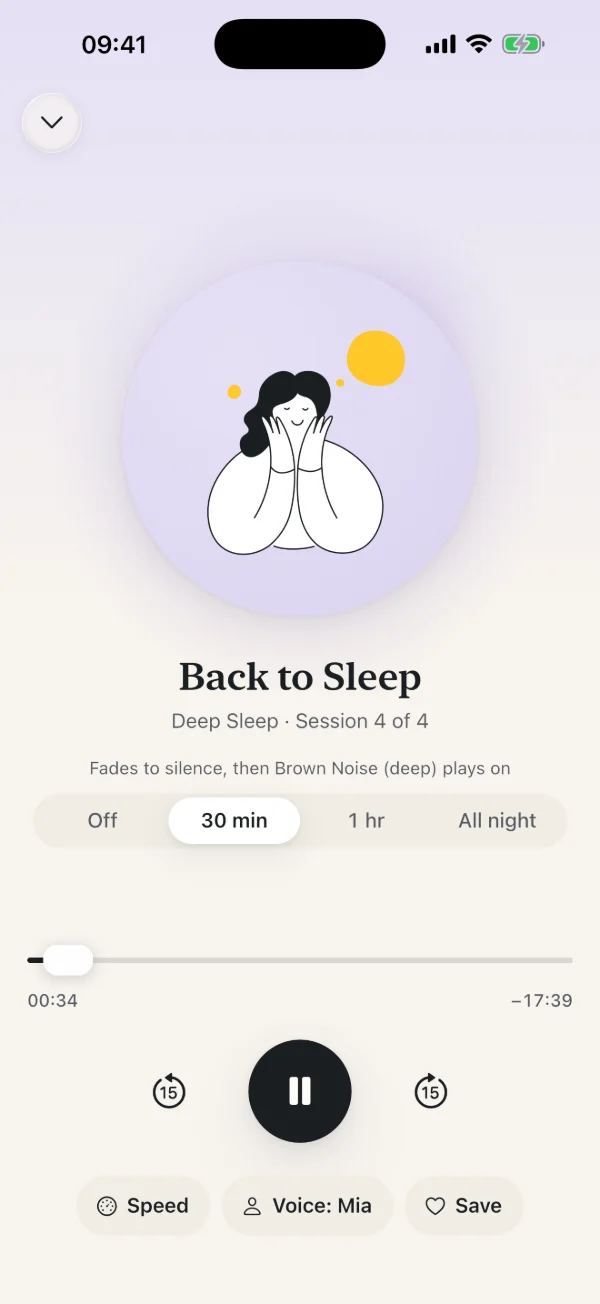
Sleep sessions
They fade to silence. In Deep Sleep, a soundscape then plays on for 30 minutes, an hour or all night.
-
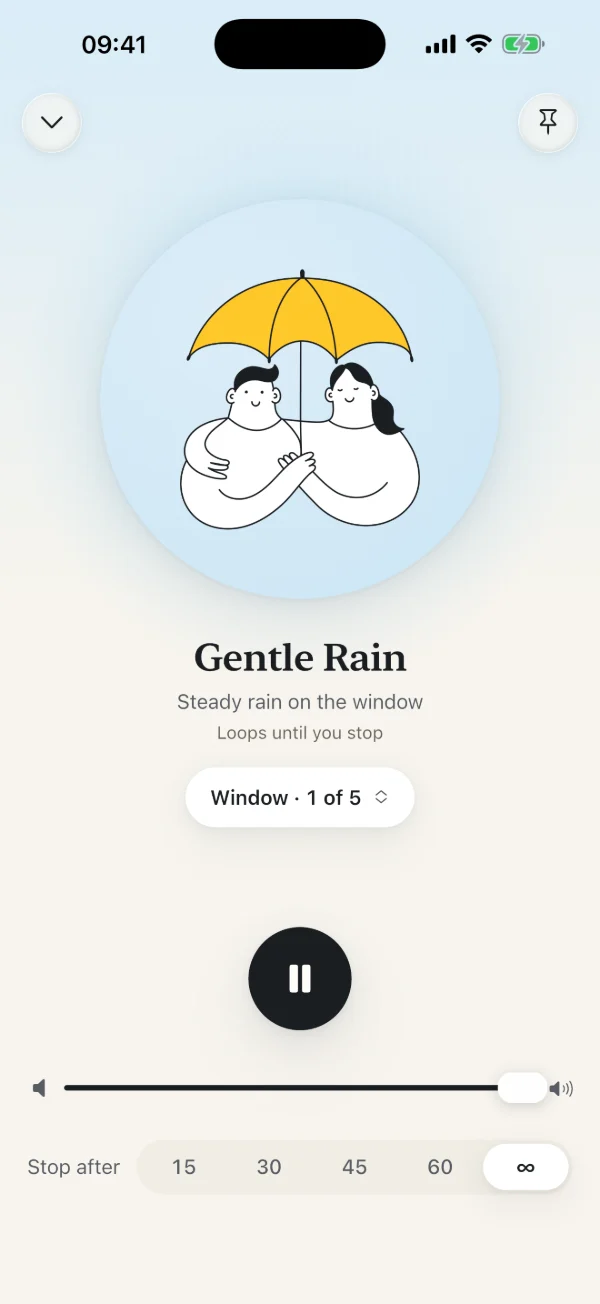
13 soundscapes
Five versions of each, with a timer or played until you stop.
-
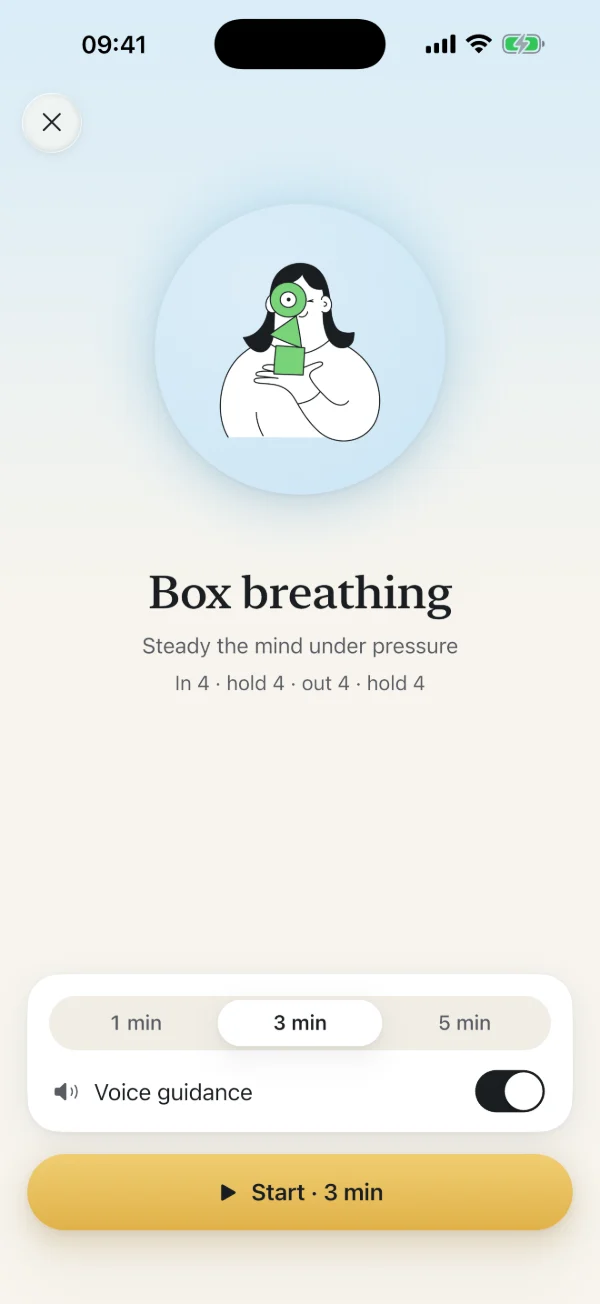
Breathing
Box, 4-7-8 and Calm Flow, with spoken cues, for 1, 3 or 5 minutes.
A few minutes to your starting point
Stormless starts with you: what you want to change, and what tends to get in the way.
-
Find your starting point
Pick one of 15 topics and answer a few quick questions: why it matters to you, how often it shows up and where you notice it first.
-
Get your 28-day plan
Four weeks, each with its own focus. Your answers decide which session your plan leans on and the small daily steps that go with it.
-
Take one small step a day
Most days take about ten minutes. Miss a day and your plan waits for you. Each week ends with a short check-in, so you can see what has changed.
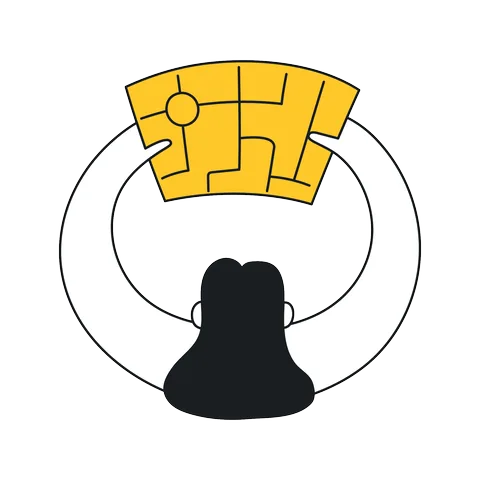

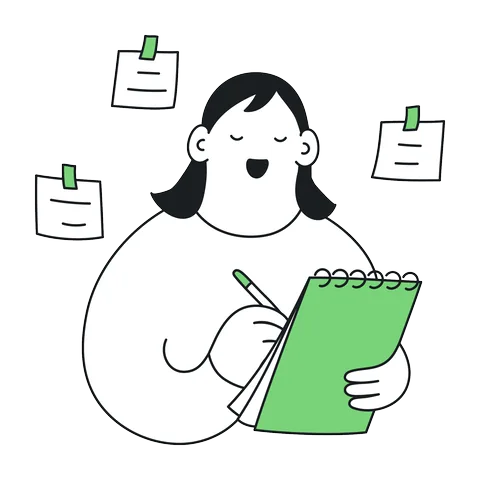
Every day you listen to a guided session, do one small step and check in with one tap. Day 1 is free.
What would you like to change?
Your plan can start from any of these 15 topics.
Calm
 Stress & anxiety
 Overthinking
 Anger & reactivity
Sleep
 Sleep
Sleep
Confidence
 Confidence
 Calm under pressure
 Self-compassion
Focus
 Focus
Focus Procrastination
 Positive habits
Health
 Weight & healthy eating
 Quit smoking & vaping
 Pain & tension
 Mindful drinking
 Calm gut
25 programs in all. The library also has Burnout Recovery, Calm Flying, Social Ease, Phone Down, Exam Calm, Menopause & Hot Flashes, Medical & Dental Calm, Quiet the Food Noise, Hands at Rest and Better Dreams.
Also in the app
- Two voices
- Mia or Ryan, for every session and breathing exercise. Choose the voice you like in the player or in Profile.
- Listen offline
- Download sessions to play them without a connection.
- Screen off, still playing
- Audio keeps going with the screen locked, with controls on the lock screen.
- One reminder a day
- At the time you pick. If you stop opening the app, the reminders stop after a week.
- Pins and favorites
- Pin a program or a sound to keep it at the top of its list.
- No account needed
- Try it without an account, or sign in with Apple, Google or email.
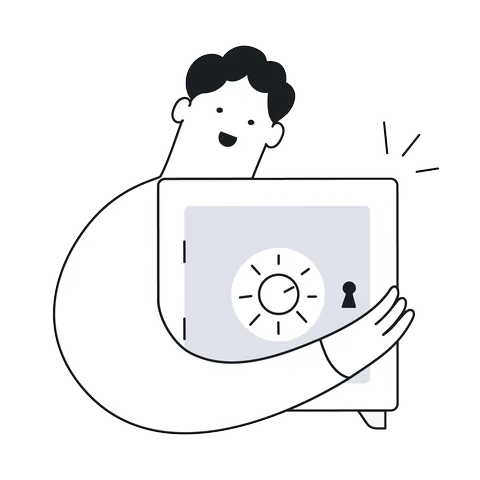
Your answers stay on your phone
Your quiz answers, check-in answers and plan are stored on your iPhone, not on our servers. Analytics never includes them or your plan’s topic. No ads, and we don’t sell data.
One account, on the web and in the app
Create your account here or in the app. It’s the same account either way, so sign in the same way on both.
Made for adults. Stormless offers guided relaxation and self-help, not medical treatment. If you have epilepsy, psychosis or a dissociative disorder, check with your doctor first. Never listen while driving.
Common questions
What is Stormless?
Stormless is an iPhone app of guided audio sessions, soundscapes and breathing exercises. A short quiz builds you a 28-day plan of small daily steps for the area you want to work on, from sleep and stress to focus and habits.
When can I use the app?
Stormless for iPhone is coming soon to the App Store. You can create your account now, and it will work in the app as soon as the app is available.
Stormless is on the App Store for iPhone. Sign in with the account you created here, or try the app without an account.
Does one account work on the website and in the app?
Yes. It’s one account. If you signed up in the app, sign in here the same way, and the other way round.
Is Stormless free?
You can start for free: Day 1 of your plan is free in full, and every session has a 30-second preview. Stormless Pro opens every session and your whole plan. It’s monthly, yearly or a one-time lifetime purchase, billed through the App Store, with prices shown in the app before you buy.
What happens to my data?
Your account holds your name, email address and how you sign in. Your quiz answers, check-ins and plan stay on your device. The Privacy Policy has the details.
Do you use analytics?
Only if you agree. In the app, Share usage data is off until you turn it on, and you can change it in Profile at any time. It covers which screens you open and what you play, never your quiz answers, check-in answers or what your plan is about.
On this website, Google Analytics runs only after you accept. Cookie settings, at the bottom of every page, changes your choice.
How do I delete my account?
In the app, go to Profile and choose Delete account. On this website, sign in and choose Delete account on your account page.
Deleting your account doesn’t cancel an App Store subscription. Cancel that in your Apple Account settings.
Is Stormless a medical treatment?
No. Stormless supports relaxation and everyday wellbeing, and it isn’t a substitute for professional care. If you’re struggling, please talk to a doctor or a therapist.

Start with Day 1.
Create your free account now and it’s ready for you in the app. Day 1 of your plan is free in full.